The short version: You cannot stop every scam call, but you can stop many from ringing. Our advice: save the numbers that matter first, then turn on your phone’s spam filters and ask your phone company what it offers.
What is call blocking, and why does it matter?
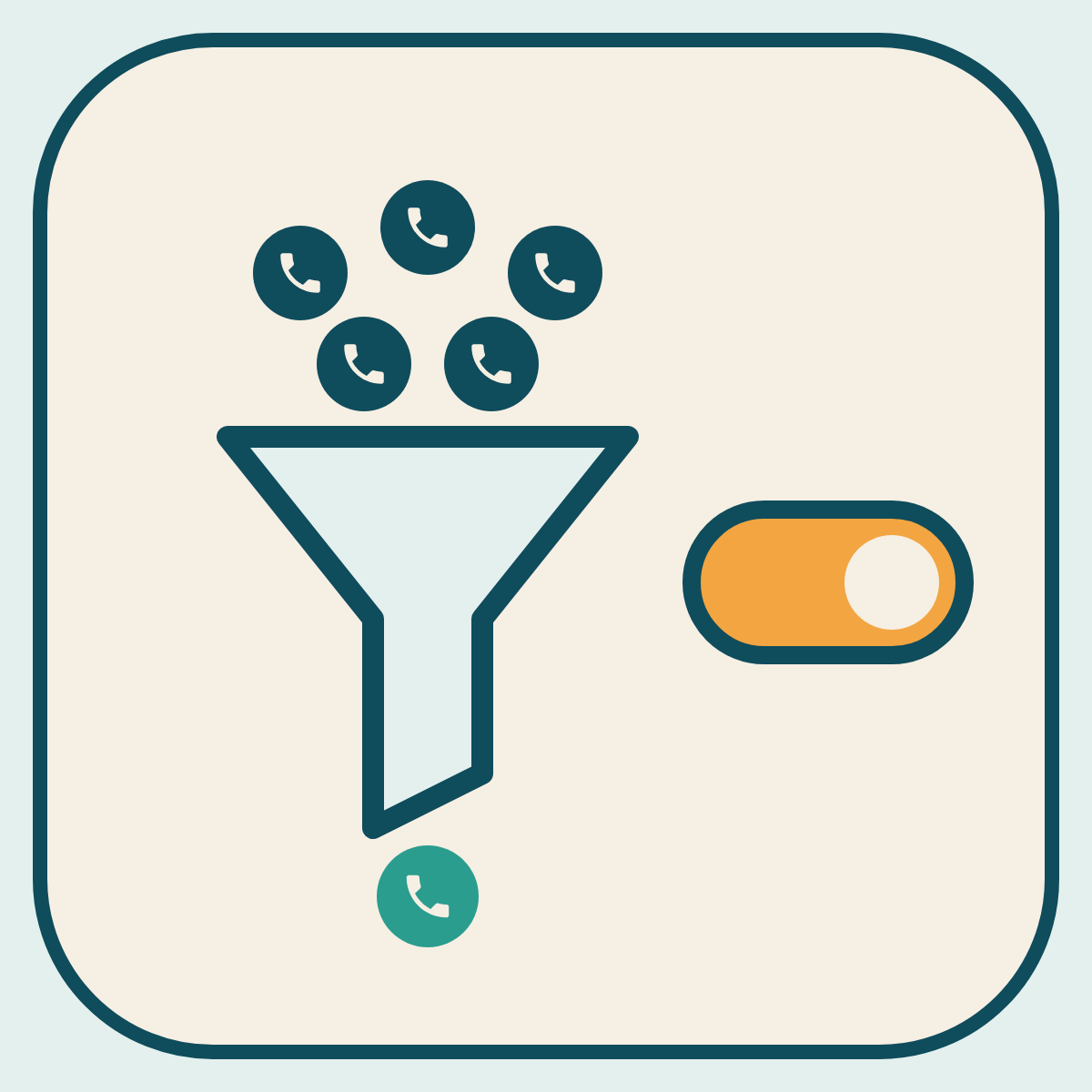
Call blocking stops some calls and texts from reaching you. Call labeling warns you that a call may be spam before you answer. Call blocking and call labeling can stop many unwanted calls before they reach you.
It matters because every scam call that does not ring gives a scammer one less chance to rush you.
Before you change any setting, save the numbers that matter. Add family, friends, your doctor, your pharmacy and your bank to your contacts. Some settings send every number not in your contacts to voicemail, and you do not want to miss those calls.
On your cell phone
- iPhone: Apple’s help pages describe settings in the Phone app that can screen or silence calls from numbers not in your contacts, and a spam filter for calls. Calls that are silenced go to voicemail. In Settings, then Apps, then Phone, choose Ask Reason for Calling or Silence for unknown callers, and turn on the spam filter for calls. For texts, open Messages, tap the Filters button in the conversation list, then tap Manage Filtering and turn on Screen Unknown Senders. (Checked 19 Nov 2026 against Apple’s help pages.)
- Android: Google’s help pages describe caller ID and spam protection in the Phone by Google app, which warns you about suspected spam calls and lets you block or report a number. Other Android phones may have similar settings with different names.
- Block one number. Many cell phones let you block calls from specific numbers. You can usually do this from your recent calls or the message.
- Filter texts. Your phone may have an option to filter messages from unknown senders.
From your phone company
Many phone companies offer free or paid tools that block or label scam calls, and some turn them on automatically. Check your phone company’s website, or call the number on your bill.
Call-blocking apps
You can also download a call-blocking app. Some are free. Some charge a fee. Before you pick one, read expert reviews and the app’s privacy policy (how it uses your data), because some apps can see your contacts. Install it only from your phone’s official app store.
On a landline
Ask your phone company about call blocking. For a traditional landline, you can also buy a call-blocking device that plugs into your phone.
The Do Not Call Registry
In the US, signing up at DoNotCall.gov tells honest sales companies not to call you. It may cut sales calls, but it will not stop scammers, who ignore the law.
In the UK
- Many phones have a spam filter for calls and texts. Make sure yours is turned on.
- Some mobile providers block known scam numbers before they reach you. Ask yours what it offers.
- Many landline providers offer call blocking or filtering, including rejecting calls from hidden numbers. There are also call-blocking phones that can block hidden numbers or numbers not in your contacts.
- The Telephone Preference Service (TPS) is free to join. It tells honest companies not to make sales calls to you. It will not block scam calls.
Report the ones that get through
Reporting helps your phone company block the same scam for other people. In the US and the UK, you can forward a scam text message to 7726. This does not usually work for chat apps such as WhatsApp. Use the app’s own report option. You can also use your messaging app’s option to report junk or spam. Do this last, because it deletes the text or moves it out of your inbox.
Do this today (under 10 minutes)
- Save the numbers that matter (3 minutes). Make sure your family, your doctor and your bank are saved in your phone’s contacts.
- Turn on your phone’s spam filter for calls and texts (4 minutes). Look in your Phone and Messages settings. If you are not sure, ask someone you trust to help, or call your phone company on the number on your bill.
- Practice reporting (2 minutes). Find one old spam text. Forward it to 7726, or use your messaging app’s option to report junk or spam. Then delete it.
See also: fake “official” calls and the glossary entries vishing and smishing.
Sources
- US Federal Trade Commission (FTC), “How To Block Unwanted Calls”: https://consumer.ftc.gov/articles/how-block-unwanted-calls
- FTC, “How to Recognize and Report Spam Text Messages”: https://consumer.ftc.gov/articles/how-recognize-and-report-spam-text-messages
- US Federal Communications Commission (FCC), “Call Blocking Tools and Resources”: https://www.fcc.gov/call-blocking
- FCC, “Stop Unwanted Robocalls and Texts”: https://www.fcc.gov/consumers/guides/stop-unwanted-robocalls-and-texts
- Apple Support, “Manage unknown callers on iPhone”: https://support.apple.com/en-us/111106
- Apple, iPhone User Guide, “Screen and block calls on iPhone”: https://support.apple.com/guide/iphone/screen-and-block-calls-iphe4b3f7823/ios
- Apple, iPhone User Guide, “Screen and filter text messages on iPhone”: https://support.apple.com/guide/iphone/screen-and-filter-texts-iph203ab0be4/ios
- Apple Support, “View conversations from unknown senders in Messages on your iPhone”: https://support.apple.com/en-us/125068
- Phone app Help (Google), “Use caller ID & spam protection”: https://support.google.com/phoneapp/answer/3459196?hl=en
- Google Messages Help, “Report spam in Google Messages”: https://support.google.com/messages/answer/9061432?hl=en
- Ofcom, “How to protect yourself from scam calls, texts and messages”: https://www.ofcom.org.uk/phones-and-broadband/scam-calls-and-messages/how-to-protect-yourself-from-scam-calls-texts-and-messages
- Ofcom, “What to do about a scam call, text or message”: https://www.ofcom.org.uk/phones-and-broadband/scam-calls-and-messages/what-to-do-about-a-scam-call-text-or-message
- GOV.UK, “Avoid and report internet scams and phishing”: https://www.gov.uk/report-suspicious-emails-websites-phishing
Our disclosure: SafeinAI has no affiliate links and earns nothing from the sites or tools named on this page. If this ever changes we will say so here, on this page.
Checked: 19 Nov 2026.


Leave a Reply